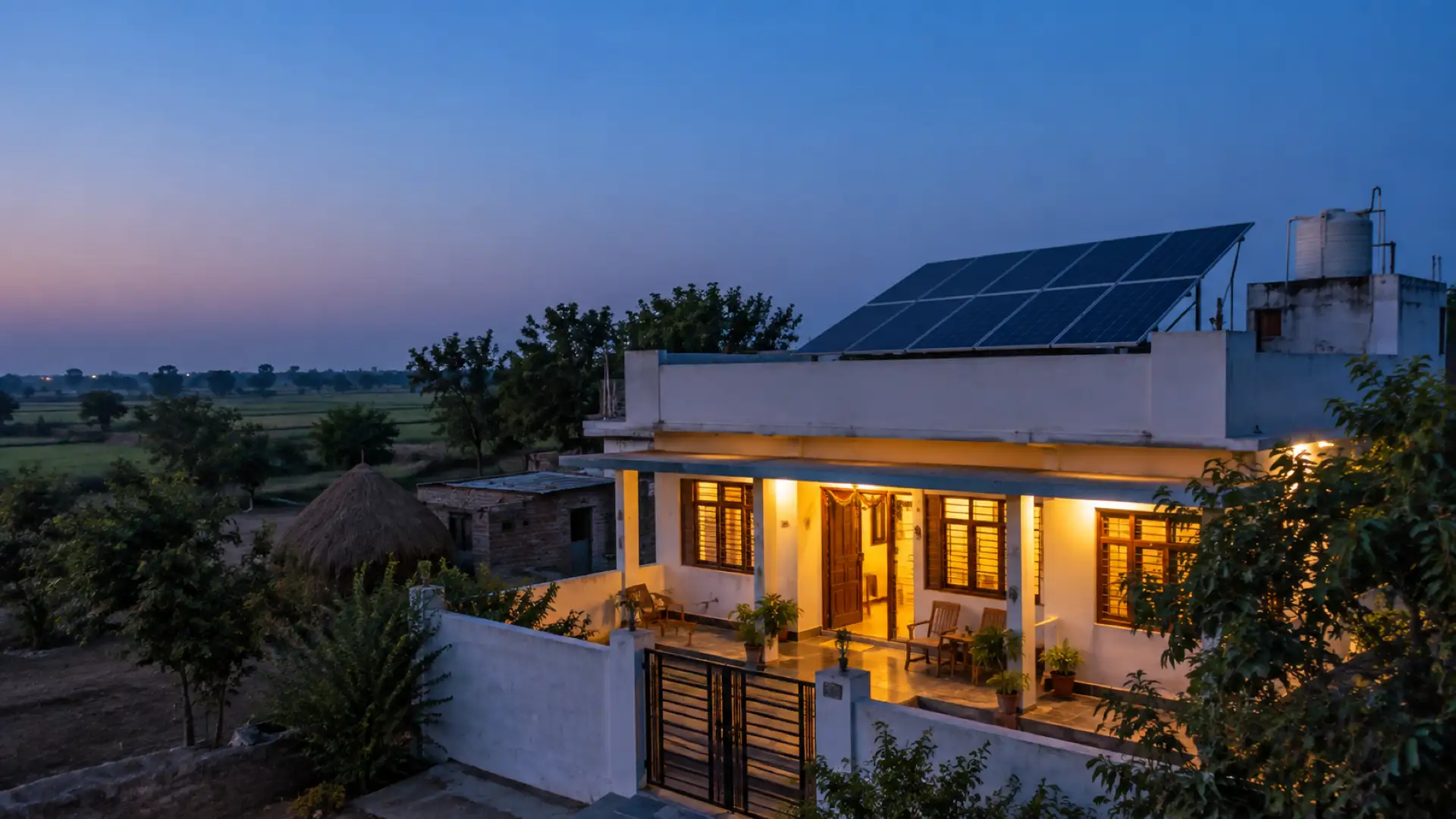

PM सूर्य घर सब्सिडी फ़ाइल: रजिस्ट्रेशन से सब्सिडी क्रेडिट तक हर स्टेज के दस्तावेज़, कौन करता है, आधिकारिक समय सीमा और आम गलतियाँ, आख़िर में एक पेज की चेकलिस्ट।
A PM Surya Ghar subsidy file moves between three parties: the customer, who owns the application; you, the registered vendor, who does most of the work; and the DISCOM, which checks feasibility, installs the meter and approves the subsidy. Most delays are not the DISCOM's. They are a missing document or a wrong detail that sends the file back.
This checklist follows the national portal flow in order. For each stage: the documents, who does it, the wait as written in the official rules (where there is no official number, we say it varies by DISCOM), and what commonly goes wrong. Sources are MNRE's scheme guidelines, MNRE's office memorandum of 11 January 2024 on documents, and the Electricity (Rights of Consumers) Amendment Rules, 2024.
What the subsidy is
The central subsidy is ₹30,000 per kW for the first 2 kW and ₹18,000 for the third kW, capped at ₹78,000 for 3 kW and above. In special-category states it is ₹33,000 and ₹19,800, capped at ₹85,800. Some states add a top-up; check your state before you promise one. The subsidy calculator works out any size.
Stage 1: Registration and application
- Who: the customer, on the national portal; you can sit with them.
- Documents: a valid consumer account number with their DISCOM (it is on the electricity bill). The portal generates an application ID.
- Wait: none; it is done online.
- Goes wrong: the name or consumer number typed differently from the bill. Every later step is matched against it.
Stage 2: DISCOM feasibility
- Who: the DISCOM.
- Documents: an electricity bill, any one from the last six months, per MNRE's memorandum.
- Wait: the feasibility study must be completed within 15 days, or the proposal is presumed feasible. Applications up to 10 kW, complete in all respects, are deemed accepted without a feasibility study, and the DISCOM carries out any load enhancement needed.
- Goes wrong: an incomplete application. "Deemed accepted" applies only to an application complete in all respects.
Stage 3: Vendor selection and agreement
- Who: the customer picks a vendor registered on the portal; you agree the design and price together.
- Documents: a consumer-vendor agreement covering the system and the payment terms. MNRE gives a sample, but the actual agreement may vary.
- Wait: varies; it is between you and the customer.
- Goes wrong: a verbal deal. The agreement is one of the documents needed at commissioning, so sign it now, not later.
Stage 4: Installation
- Who: you.
- Documents: none to upload yet, but the system must meet MNRE's minimum technical specifications, which the DISCOM checks at inspection. Keep the module and inverter serial numbers as you install.
- Wait: varies by DISCOM and by your own schedule.
- Goes wrong: serial numbers not recorded on site, so the commissioning report is filled from memory and does not match what the inspector sees.
Stage 5: Portal update after installation
- Who: the customer updates the system details on the portal; you may help through the customer's login.
- Documents: per MNRE's memorandum, a commissioning report with the panel make, watts per panel and number of panels with serial numbers, and the inverter make, capacity and serial number; a photograph; and the consumer-vendor agreement. The guidelines also ask for geo-tagged photographs. The memorandum tells DISCOMs that no other documents are to be asked for at this stage.
- Wait: none; then the application moves to the DISCOM.
- Goes wrong: photos without a location tag, or a report whose serial numbers do not match the hardware.
Stage 6: Net-meter application and inspection
- Who: the DISCOM, after the customer submits the installation certificate.
- Documents: the installation certificate and the connection agreement, in the DISCOM's own formats on its website. The net meter comes from the DISCOM or from an enlisted meter vendor. Each DISCOM publishes its own list; in DGVCL's area, for example, the interconnection agreement on ₹300 stamp paper is the only physical copy. Our DISCOM posts list them: DGVCL, MGVCL, PGVCL, UGVCL, Torrent Power, JVVNL, MSEDCL and Madhya Pradesh.
- Wait: the DISCOM must sign the connection agreement, install the meter and commission the system within 15 days of the installation certificate.
- Goes wrong: the inspector finds something different from the portal. The DISCOM can send the application back for corrections or reject the claim with reasons.
Stage 7: Commissioning and approval
- Who: the DISCOM, after a checklist-based physical inspection.
- Documents: nothing new if stages 5 and 6 were right.
- Wait: within the same 15 days as stage 6.
- Goes wrong: a file approved on the ground but not completed on the portal. The subsidy is processed only after the DISCOM has physically verified the system and completed the process on the portal.
Stage 8: Subsidy request and bank details
- Who: the customer.
- Documents: bank account details, with a cancelled cheque image, a bank e-statement, a passbook scan or another document showing the account is the customer's. If the system is on a loan, the loan account details too.
- Wait: none; it is done online.
- Goes wrong: an account in someone else's name. With a loan, the subsidy goes to the loan account first, up to what is outstanding, and only the rest to the customer's account; tell the customer before they expect the full amount.
Stage 9: Subsidy credit
- Who: the customer redeems the e-token on the portal; then the subsidy is released.
- Documents: none.
- Wait: the subsidy is processed within 15 days of the DISCOM's approval. The e-token is activated with the subsidy for the capacity actually installed.
- Goes wrong: a system installed smaller than applied for. The e-token follows the installed size, not the application.
The 60-day line for vendors
On 24 August 2026 MNRE advised registered vendors not to hold consumer applications for more than 60 days without a valid reason. Our 60-day rule post explains it, and the 60-day check shows where you stand.
Store less customer data
You need to see the customer's documents, not keep all of them. Keep only what the file needs. For Aadhaar, keep a masked copy and the last four digits, never the full number. It is less to lose, and it fits India's data protection law. Never ask a customer to send identity or bank numbers on WhatsApp.
Doing it in Raymitra
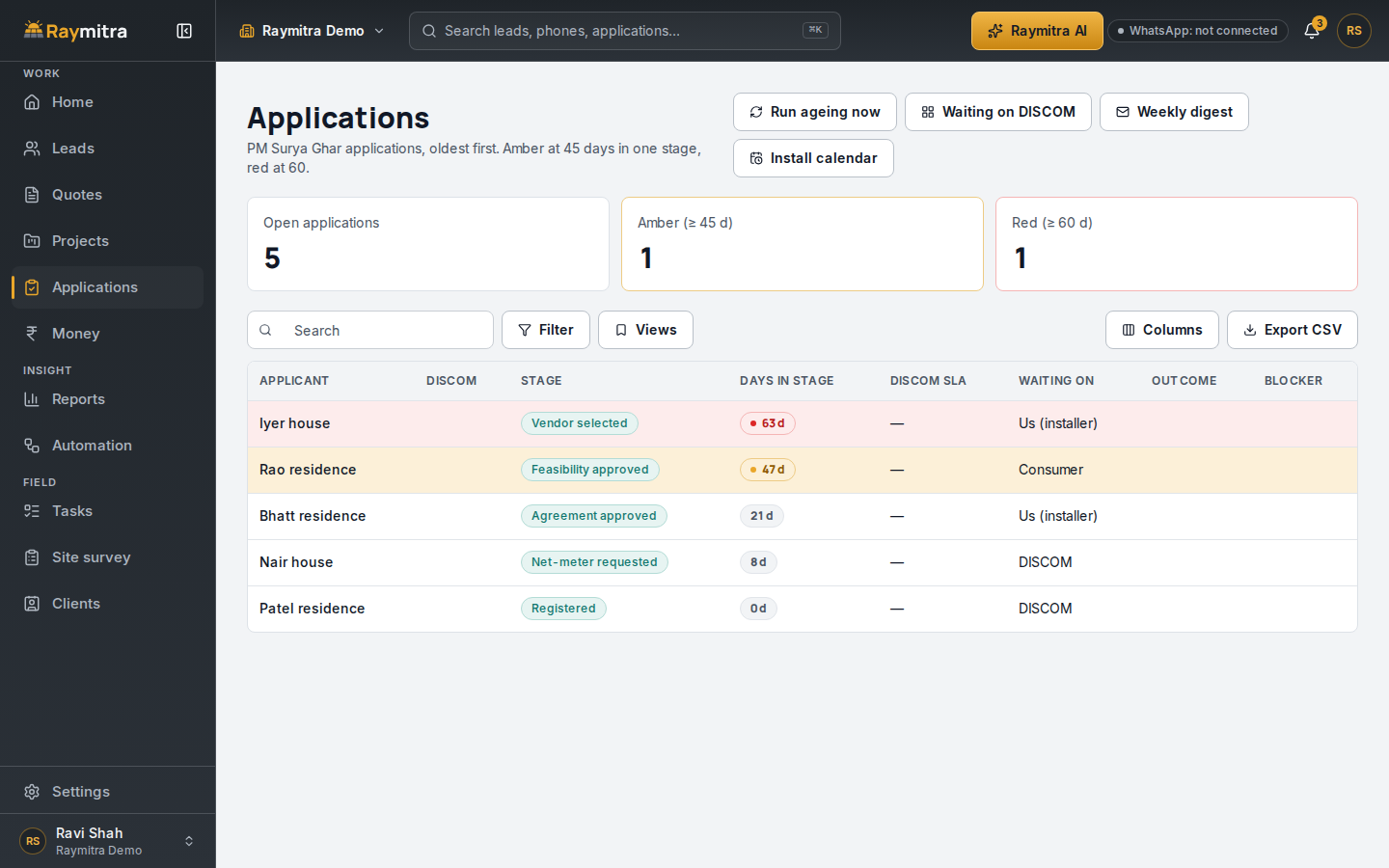
Raymitra, the AI-powered CRM + ERP we build for solar installers, keeps a PM Surya Ghar board: every file with its stage, the days it has spent there and who it is waiting on. A file turns amber at 45 days, our own early warning, and red at 60. Paste a DISCOM message and the AI suggests the file's new stage.
Printable checklist: one page
- Registration: consumer account number from the bill; name exactly as on the bill.
- Feasibility: one electricity bill from the last six months.
- Vendor: registered vendor chosen on the portal; signed consumer-vendor agreement.
- Installation: system to MNRE's specifications; module and inverter serial numbers noted.
- Portal update: commissioning report with panel and inverter details and serials; photograph; geo-tagged photos; the agreement.
- Net meter: installation certificate; connection agreement in the DISCOM's format; the DISCOM's own list.
- Commissioning: inspection passed and completed on the portal.
- Bank: account in the customer's name with a cheque, statement or passbook proof; loan account if any.
- Credit: e-token redeemed; amount matches the installed size.
- Your records: masked Aadhaar and last four digits only; days in stage under 60.
Frequently asked questions
Can the installer apply for the customer?
The application is the customer's, on the portal. You can help them fill it in, including the details after installation through their login.
How long does the subsidy take after commissioning?
The guidelines say it is processed within 15 days of the DISCOM's approval.
Does every DISCOM ask for the same papers?
No. MNRE limits what can be asked at commissioning, but each DISCOM publishes its own net-meter list and formats. Check yours.
Try Raymitra
Start the free trial, no card needed, from the button below, or book a demo to see the PM Surya Ghar board with your own files.
Updated 11 Nov 2026: plans and prices are on the pricing page.