
What it does
Stage and days
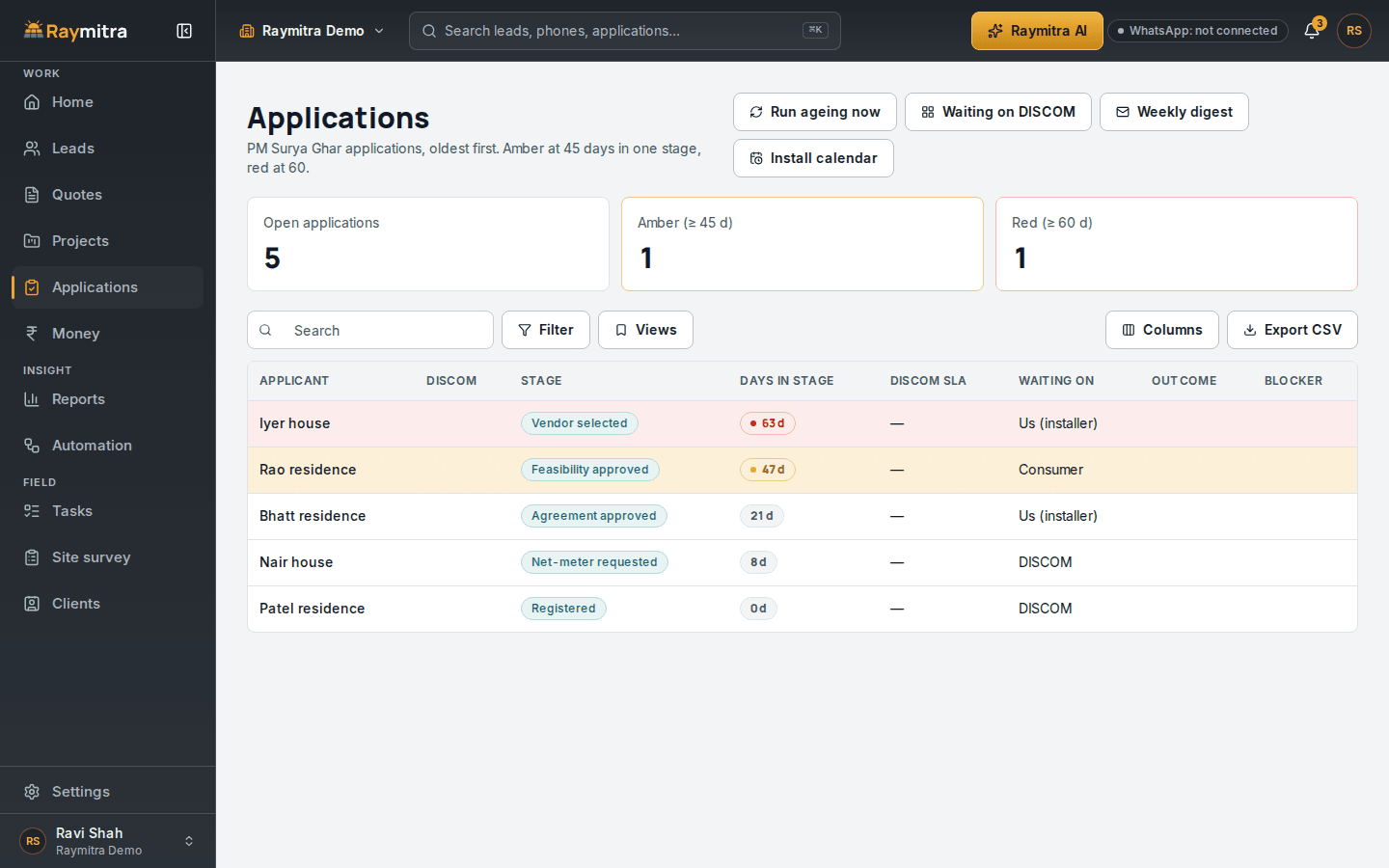
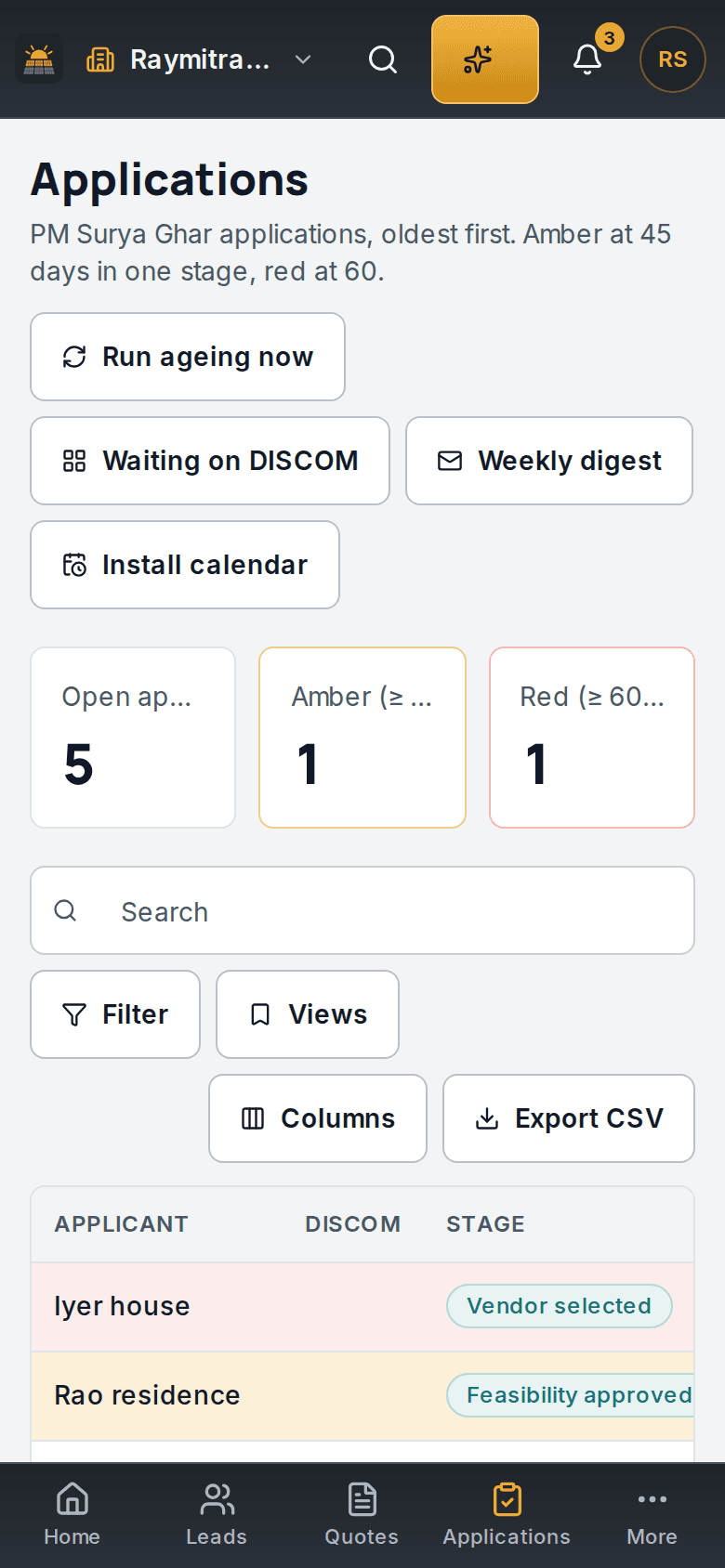
Each application shows its portal stage and how long it has sat there, so the slow ones rise to the top.
Amber, then red
A file turns amber as it nears the day limit in the rules and red when it reaches it, and a task to move it lands on Today.
Checked before submit
Each stage has its own checklist, and a pre-check stops a submission that misses a document, like the bill photo or DCR proof, or a detail, like the consumer number.
Won starts the file
When a quote is won, the project, its milestones, the application and its checklist are created in one step.
What the system decides here
Live means it runs for every company today. Next means it is planned and not switched on yet.
- that an application is stuck, and the task to move itDecided for youLive
- that an application is ready to submit (the pre-check runs for you; a person confirms)Suggested, you confirmLive
- creating the project and the application when a quote is wonDecided for youLive
- which documents are still missing for the next stageDecided for youNext
- the new stage from a portal or DISCOM message you paste inSuggested, you confirmLive
- a status message to the customer at each stageSuggested, you confirmNext

Next step
See it on your own leads.
A 20-minute call. Bring your sheet; we load it and send your first quote while you watch.
- +91 88154 11655
- hello@raymitra.com
- Made in India